
YouTube Morphe
Morphe For Block All Ads Background Playback Picture in Picture Sponsor Block Auto Repeat
YouTube Morphe is a tweaked YouTube app that aims for a more customizable watch experience. It’s described as a ReVanced alternative made by the RVX team, and it also includes exclusive Themes. People usually look for it when the standard YouTube app feels too limited.
Choose Your Download Package
Download YouTube Morphe Latest APK file with official source version without malwire for free.
YouTube Morphe
Ad-free YouTube client with background playback, AMOLED black theme, and PiP for all Android devices.
- No Root Required
- Built-in Ad & Sponsor Blocker
- Background Audio & PiP Mode
Vanced MicroG APK
Allows you to sign into your Google account on non-root devices to access your subscriptions and playlists.
- Enables Google Account Sign-In
- Lightweight & Battery Friendly
- Install BEFORE opening Vanced
YouTube Music Vanced
Ad-free streaming with background music play, high quality audio codecs, and no audio ads.
- Stream Music in Background
- Zero Audio Ads & Banners
- Lyrics & High-Bitrate Audio
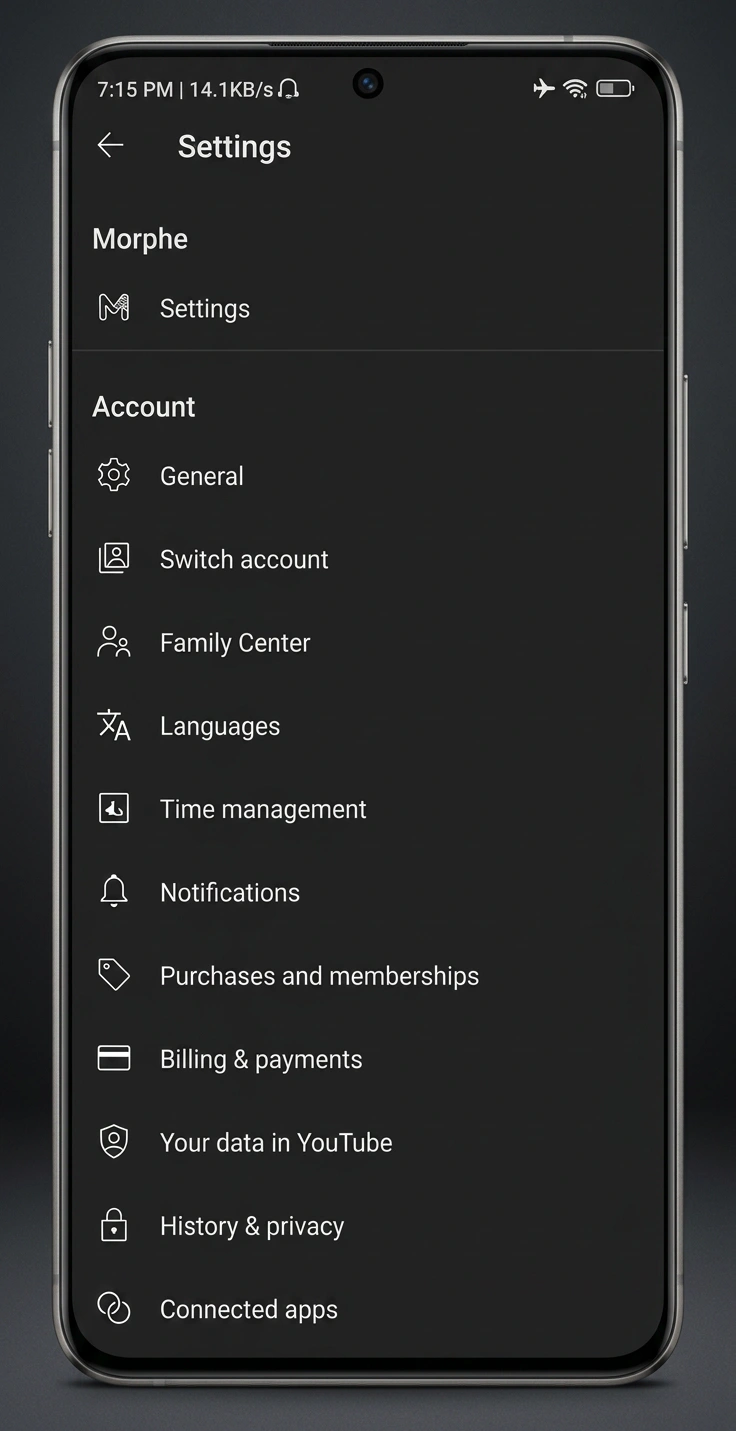
What is YouTube Morphe
YouTube Morphe is a newer ReVanced alternative for Android apps, built by the RVX team. The name “Morphe” is tied to morphing, and the source says it comes as a customization-focused YouTube option. It’s designed for Android people who want more control over what they see and how the player behaves. Honestly, if you like changing how apps look, this kind of mod-style project is going to feel made for you. The source also mentions the RVX team includes former ReVanced contributors.
- Blocks all pre-roll, mid-roll, and home feed banner video ads
- Completely free with zero subscription fees or renewals
- Enjoy non-stop continuous high-definition video streaming
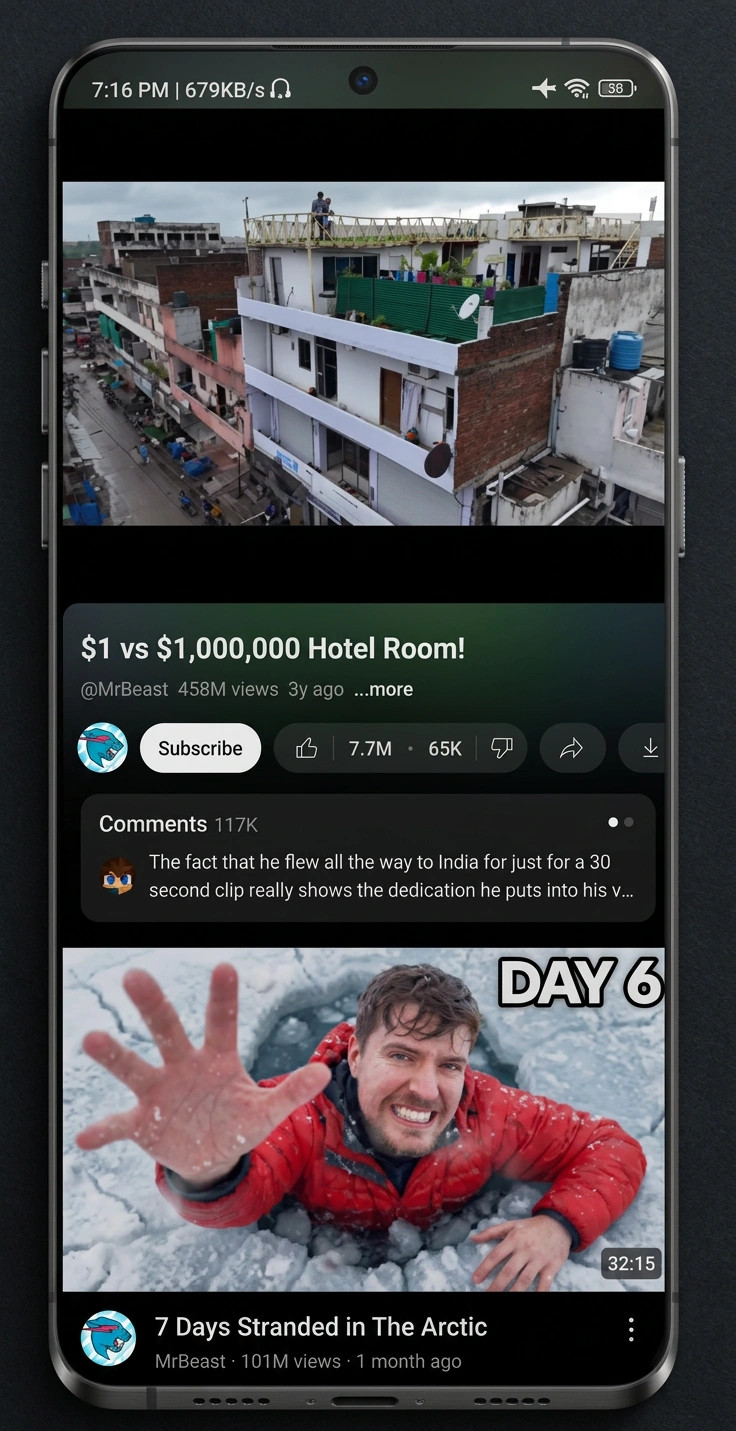
Why Users Choose YouTube Morphe?
Most people don’t choose YouTube Morphe just for one small setting. Instead, they pick it because it aims to improve usability, personalization, and viewing convenience compared to the standard YouTube app. The source specifically calls out options like Themes, an ad-free experience, and better control tools. You also get choices that reduce annoying parts, like banner ads, recommendations, and sponsor-related skips. That said, it’s still an Android-focused project, so your phone setup matters. If you want a cleaner watch flow, this approach is pretty direct.
- Auto-skip sponsored segments, creator shoutouts, and intros
- Powered by the open, crowd-sourced community SponsorBlock API
- Customize which categories to automatically skip or skip manually
Why Choose YouTube Morphe?
YouTube Morphe comes with a bundle of viewing and UI tweaks, not just one trick. The source lists options like skipping ads automatically, showing dislikes, customizing feeds, and changing swipe controls.
Built-In Ad Blocker
An ad-free video experience means you can watch without constant interruptions. The source says YouTube Morphe automatically skips every advertisement, and it also hides banner ads and recommendations. Because you do not have to wait for skip buttons, the video flow stays steadier. This is one of the biggest “why” reasons people keep looking for alternatives. You still get the rest of the YouTube layout changes through other patches, but ad removal is the headline benefit here. If you hate ads across the interface, this part matches that pain directly.
Skip Sponsored Segments
Sponsored segments eat time, and YouTube Morphe tries to cut that out. The source says it includes Sponsorblock, which helps deal with sponsor messages and recommendations mentioned by creators. When you enable the Sponsorblock feature, it can skip those parts so you keep watching faster. That means you spend more time on the actual video and less time on promos. The idea is simple, skip the sponsored portion, then go back to the content. If you watch a lot of longer videos, saving even a few minutes per upload adds up.want to stop the ads then they ask for money which was we having to buy a premium membership. So don’t worry this YouTube Music Vanced APK have the solution. And that is basically this application is completely ads free. That means you can listen music any time without having single ads.
Advanced Video Player Controls
YouTube Morphe adds gesture and playback control options that make watching feel faster. The source says you can swipe up and down to adjust volume and change screen brightness, instead of tapping small buttons. It also mentions repeat behavior through “repeat mode,” plus seeking options via the seekbar. For quick previewing, the seekbar is described as showing thumbnails of the actual video. You swipe the red bar at the bottom to see what comes next. That combo makes it easier to jump around without hunting through menus.
Interface to Match Your Style
Themes and interface customization let you tailor YouTube Morphe to how you like things to look. The source says you can change the color palette of the YouTube UI with Themes, using a themes patch. It also calls out feed customization, so your browsing experience stays “interference-free” based on your choices. You can also tweak navigation choices through cleaner menus and options. One important note from the source: you need to use the Themes feature before making the app changes. Some people find that setup timing a bit annoying.
Smart Navigation
A cleaner interface helps you find videos faster and reduces clutter. The source mentions interface cleanup, simplified menus, and notification improvements, plus easier navigation overall. That means fewer distractions like unwanted recommendations and banner-style clutter. It also pairs with the feed customization so your main browsing space feels more “interference-free.” You do not need to constantly hunt through menus, because the navigation is meant to be simpler. Honestly, the “cleaner menus” part matters more than people expect. When the UI stays calm, you spend less time clicking and more time watching.
Background Playback Experience
YouTube Morphe aims to make audio listening feel more flexible for longer sessions. The source includes “Improved Audio” and “Background Playback” in the feature list, so you can listen without staying glued to the screen. Background playback is mentioned as part of the overall experience, which matters for commuting or multitasking. The key idea is convenience, you keep audio going while you do other things. If you use playlists or just want to hear content, this design helps. That said, it also comes with the setup requirement discussed in the installation steps, so plan around it.
How to Install YouTube Morphe on Android
Follow the simple guide given below to install YouTube Morphe on your device.
Enable Unknown Sources
Go to Android Settings > Security (or Apps) and allow installation from “Unknown Sources” for your browser or file manager.
Install Vanced MicroG
Download and install Vanced MicroG APK first. This lightweight service is essential for Google account authentication.
Install YouTube Morphe
Download the YouTube Vanced APK file and tap “Install”. Once installed, do not launch it right away if MicroG is still installing.
Open & Sign In
Launch YouTube Vanced, tap the profile icon in the top right, and log in with your Google account. Enjoy ad-free streaming!
Frequently Asked Questions
Got questions? Click any question to open or close the answer.
What is YouTube Morphe?
YouTube Morphe is an alternative YouTube app with extra features and Themes. The source says it gives a different experience from the standard YouTube app, and it includes more customization.
Is YouTube Morphe safe to use?
Security depends on where you download the files and how you handle Android permissions. The source says MicroG is open-source and answers “Yes” when asked if logging in with Google is safe.
Does it support background playback?
Yes, YouTube Morphe supports background playback according to the feature list. The source specifically calls out “Improved Audio and Background Playback Experience” and includes background playback as part of that idea.
Can I customize the app interface?
Yes, you can customize the YouTube Morphe interface, especially with Themes. The officials says you can change the color palette of the YouTube UI using the Themes patch, and you need to use this feature before making the app changes.
How often is YouTube Morphe updated?
Updates depend on the developers and on compatibility improvements. The source itself does not give a date schedule, but the FAQ asks about updates and frames them around developer work. That means you should expect updates when the team updates the patches or improves how it works with the base YouTube app.